
The most useful event-operations tools for 2026 are the ones that help teams manage audience data, registration, content, sustainability, staffing, risk, sponsor value, and hybrid engagement without creating disconnected work. Templates still matter because they turn technology into repeatable decisions.
2026 Event Ops Stack View
- Prioritize tools that clean up shared workflows rather than adding isolated dashboards.
- Use templates for briefs, risk reviews, launch calendars, sponsor reports, and post-event learning.
- Match the stack to event size, complexity, data responsibilities, and team capacity.
What “event trends tools” should really mean
Trends can tempt teams to buy tools before defining the work. In 2026, useful event technology should support a clear operational need: better audience insight, easier registration, safer onsite execution, stronger sponsor reporting, accessible communication, content reuse, or lower environmental impact.
A trend is not proven simply because vendors promote it. Treat emerging formats, automation features, and AI-supported planning tools as options to test, not guaranteed improvements. The best stack is the one the team can govern and use consistently.
Core tools most teams should evaluate
Most event teams need some combination of project management, ticketing or registration, CRM or database, email marketing, speaker management, onsite check-in, survey, sponsor-reporting, file storage, and analytics tools. Hybrid or virtual events may also need streaming, engagement, captioning, networking, and content libraries.
The ticketing-platform questions in Ticketing Platform FAQ: Answers Event Teams Need Before They Move Forward are a practical starting point because registration sits at the center of attendee data, payments, access, and communication. If that system is poorly chosen, the rest of the stack often becomes harder to manage.
Templates that keep tools disciplined
Templates prevent tool sprawl. A project brief template defines the event goal. A venue checklist shapes site visits. A launch calendar controls public commitments. A risk register tracks hazards and owners. A sponsor report template keeps renewal conversations consistent. A post-event debrief template turns outcomes into the next plan.
The Event Safety Alliance’s guidance reminds planners that live-event operations can involve emergency planning, crowd management, weather preparedness, communication, and venue design. A risk template helps those conversations happen early instead of during onsite pressure.
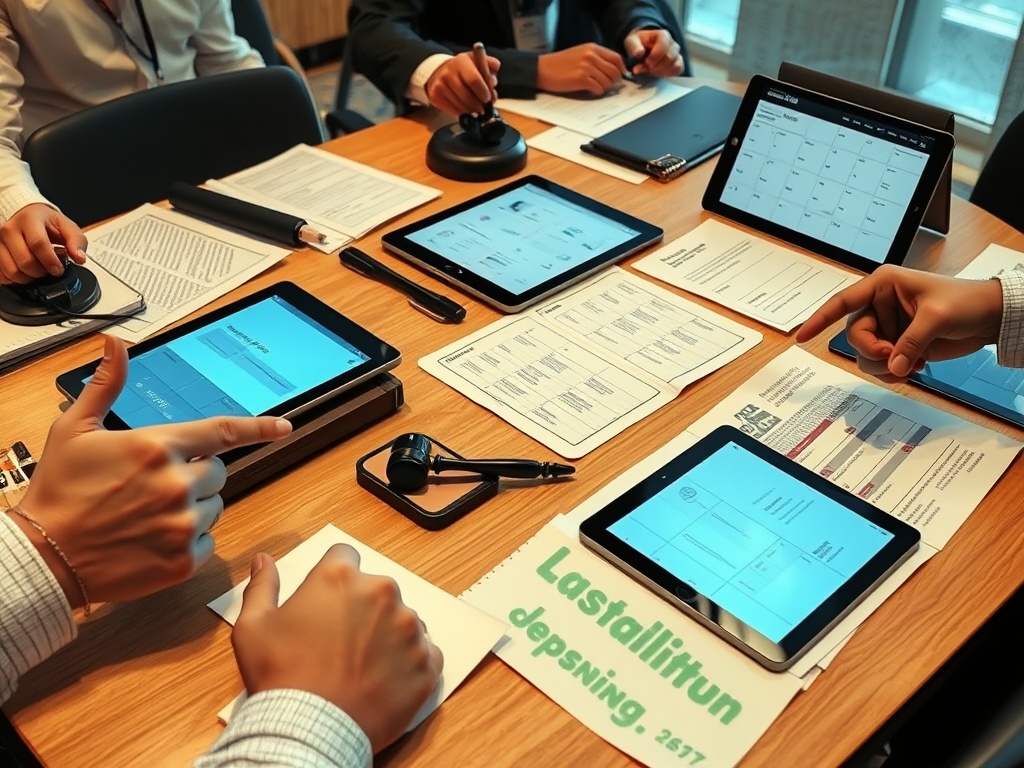
Tool and Template Fit
| Event size | Useful tools | Templates to prioritize |
|---|---|---|
| Small workshop | Registration, email, survey | Brief, run of show, feedback form |
| Mid-size conference | CRM, agenda app, check-in, analytics | Launch calendar, sponsor tracker, risk register |
| Large event | Credentialing, production, vendor portals | Safety plan, staffing map, sponsor report |
| Hybrid program | Streaming, captions, content library | Speaker tech checklist and content workflow |
Sustainability and impact resources
Sustainability tools are moving from nice-to-have calculators to operational planning resources. The Net Zero Carbon Events roadmap describes a shared industry journey toward net zero by 2050, while the Event Industry Council provides standards focused on environmental and social responsibility. Event teams should translate those ideas into measurable actions that fit the event type and region.
For smaller teams, that may mean a simple sustainability checklist covering venue access, waste, travel guidance, catering choices, signage, supplier questions, and post-event learning. For larger teams, it may mean formal measurement, supplier documentation, and third-party standards.
Suggested stack combinations
A small workshop may only need project management, registration, email, survey, and a shared checklist library. A mid-size conference may need speaker management, sponsor tracking, mobile agenda, check-in tools, analytics, and a more formal risk register. A large festival or convention may require production management, access control, credentialing, crowd monitoring, vendor portals, safety documentation, and advanced reporting.
The stack should reflect complexity. Buying enterprise tools for a simple event can slow the team down. Running a complex event on disconnected spreadsheets can create unnecessary risk.
How to roll out new tools without overwhelming the team
Introduce new tools in phases. Start with one workflow, one owner, and one measurable improvement. For example, test a sponsor-report template at one event before making it standard across the portfolio. Test an automation trigger with an internal audience before using it for paid attendees.
Training should reflect real pressure. The people using the tool during check-in, speaker changes, sponsor issues, or content publishing need practice with exceptions. A tool that looks easy in a demo can fail if the onsite team has never handled a bad scan, missing badge, agenda change, or last-minute data correction.
Governance matters as much as software choice
Tool governance should define who can create projects, change permissions, edit templates, export attendee data, approve automations, and archive event records. Without governance, even good tools become personal systems that break when one staff member leaves or when the event portfolio grows.
Archive templates after each event
After the event, archive the final versions of templates with notes on what changed and why. This turns every event into a better starting point for the next one. It also prevents teams from reusing outdated checklists that no longer match the audience, platform, venue, or compliance expectations.
Implementation tips for 2026
Start with the operating model, then choose tools. Define owners, fields, naming conventions, permissions, reporting needs, and testing checkpoints. Keep a change log for major configuration decisions. Train the people who will use the system under pressure, not just the administrators.
The strongest event operations stacks make good behavior easier. They help teams see the audience clearly, protect trust, manage complexity, and learn after each event. Events content here is informational and educational only and does not constitute legal, financial, travel, immigration, environmental, safety, data-privacy, or contractual advice. Verify details directly with official organizers, vendors, venues, authorities, and qualified advisers before making commitments.