Compare display setups by room lighting, screen size, black-level expectations, viewing angle, gaming needs, installation limits, and total cost. OLED is usually strongest for dark-room contrast, Mini-LED and QLED are often stronger for bright rooms, and projectors make sense when cinematic size matters more than peak brightness.
Key takeaway for home viewers: do not start with the technology label. Start with the room. A brilliant display in the wrong room can feel worse than a less expensive setup chosen around light, distance, and use.
Map the room before comparing specs
Measure viewing distance, wall width, seating angle, window placement, and where lamps reflect on the screen. Then note when the room is used. A daytime family room has different needs than a light-controlled movie room. Glossy screens, windows, and off-axis seating can matter as much as panel type.
RTINGS maintains a current OLED vs QLED comparison that focuses on panel behavior such as contrast, brightness, and viewing angle. That kind of testing is useful, but only after the room is defined. A spec sheet cannot know whether your sofa is off to the side or whether afternoon sun hits the screen.
avidbrief.com/'s article on prestige drama versus comfort TV connects here because viewing intent matters. A prestige drama with dark cinematography benefits from black-level control. Casual sports, daytime TV, and background viewing may benefit more from brightness.
Understand what each technology is trying to solve
OLED uses self-emissive pixels, which means pixels can turn off for very deep blacks. That helps dark scenes, contrast, and wide-angle viewing. The trade-offs can include lower full-screen brightness than the brightest LCD-based sets, image retention concerns under some usage patterns, and higher prices in large sizes.
QLED is an LCD-based category using quantum-dot color enhancement. It can be very bright and colorful, especially in rooms with light. However, because it relies on a backlight, black levels and blooming depend on the quality of the panel and dimming system.
Mini-LED is also LCD-based, but it uses many small backlight zones to improve local dimming. High-end Mini-LED sets can offer strong brightness and better contrast than basic LED-LCD sets, though blooming around bright objects can still appear.
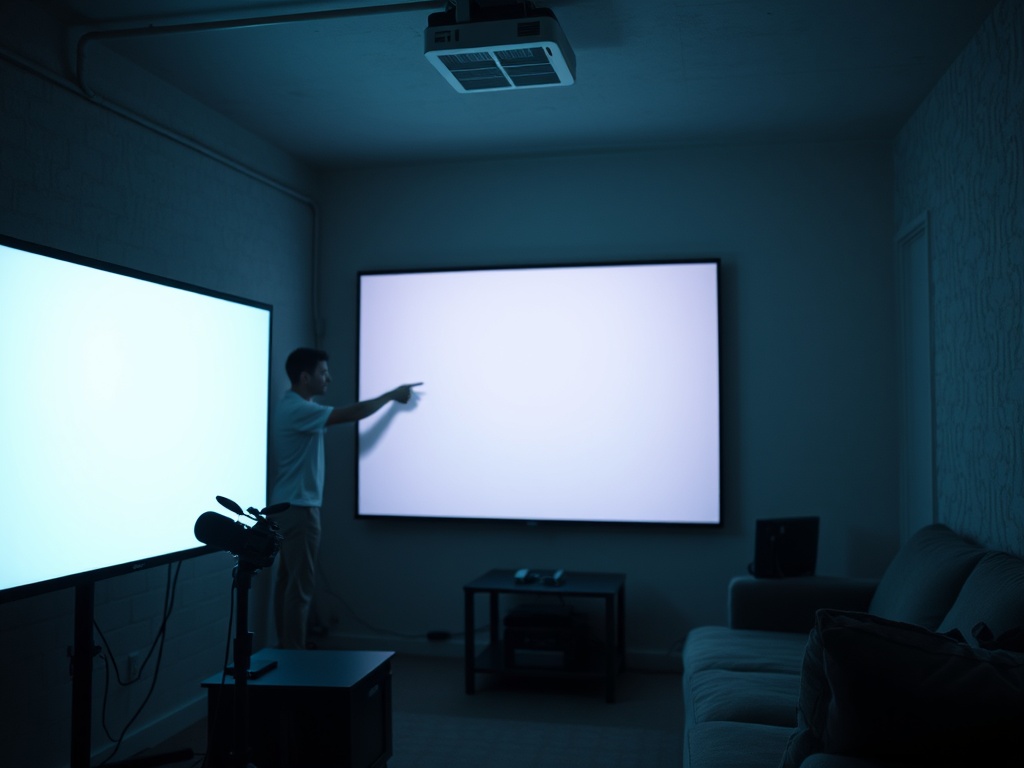
Projectors use a separate image source and screen or wall. They create large images more affordably than huge TVs, but they need light control, proper throw distance, screen selection, and often better audio planning.
Compare by use case, not marketing language
| Use case | OLED | Mini-LED | QLED | Projector |
|---|---|---|---|---|
| Dark movie room | Excellent black levels and contrast | Very good if dimming is strong | Good on higher-end models | Excellent size, but needs light control |
| Bright living room | Good on brighter models, reflections matter | Often excellent | Often excellent | Usually weaker unless room is controlled |
| Wide seating | Usually strong | Varies by panel | Varies by panel | Depends on screen and seating geometry |
| Gaming | Excellent response and contrast on many models | Strong on gaming-focused sets | Strong on gaming-focused sets | Input lag varies widely |
| Huge image | Expensive at very large sizes | Expensive at very large sizes | More size options than OLED in many ranges | Strongest size-per-dollar option |
| Simple installation | Easy | Easy | Easy | Requires planning, mounting, throw, and screen |
This table is a guide, not a purchase verdict. Model quality matters. A premium Mini-LED can outperform a cheap QLED. A poorly installed projector can disappoint even in a good room.
Step-by-step comparison process
First, choose the screen size from seating distance, not from a sale price. A screen that is too large can make lower-resolution content or motion artifacts more visible. A screen that is too small can make a high-end display feel underwhelming.
Second, list your top three uses: movies, sports, gaming, cable news, streaming series, anime, family viewing, or presentations. Burn-in risk, motion handling, brightness, and input features matter differently for each.
Third, test reflections. Turn off the current TV and look at the screen during the time you usually watch. If you see windows, lamps, or kitchen lights clearly, brightness and anti-reflection performance should move up the priority list.
Fourth, budget for audio and mounting. A display upgrade can expose weak sound. Dialogue clarity often depends on speaker placement, room surfaces, and soundbar or receiver setup. Do not spend everything on pixels and leave the audio as an afterthought.
avidbrief.com/'s article on practical effects and CGI offers a useful viewing lesson: visual quality depends on integration. In home theater, the display, room, audio, seating, and source quality must work together.
Common mistakes that lead to buyer regret
The first mistake is buying for showroom brightness. Retail floors are brighter than homes, and demo loops are designed to impress. The second is ignoring seating angle. Some LCD panels lose contrast from the side. The third is choosing a projector without controlling light. The fourth is forgetting content quality. Streaming compression, old cable feeds, and low-quality apps can limit what any screen can show.
The fifth mistake is chasing a technology word rather than a model. OLED, Mini-LED, and QLED are categories, not guarantees. Processing, local dimming, panel coating, refresh rate, HDMI support, calibration modes, and warranty terms all matter.
When DIY is enough and when to get help
DIY is enough for most TV installs if the wall is straightforward, the stand is stable, the cables are simple, and the room does not need major audio planning. Get help for ceiling-mounted projectors, in-wall wiring, heavy large-format displays, acoustic treatment, custom cabinetry, or multi-device receiver setups.
Measure a good result by comfort. You should not fight glare, strain to hear dialogue, move seats to avoid washed-out angles, or constantly change picture modes. The right setup makes the room easier to use, not just more impressive to describe.